
Authentication & Access Control
OAuth 2.0 authentication workflow, HMAC-SHA256 session token management, and role security.
3 min readUpdated October 2026
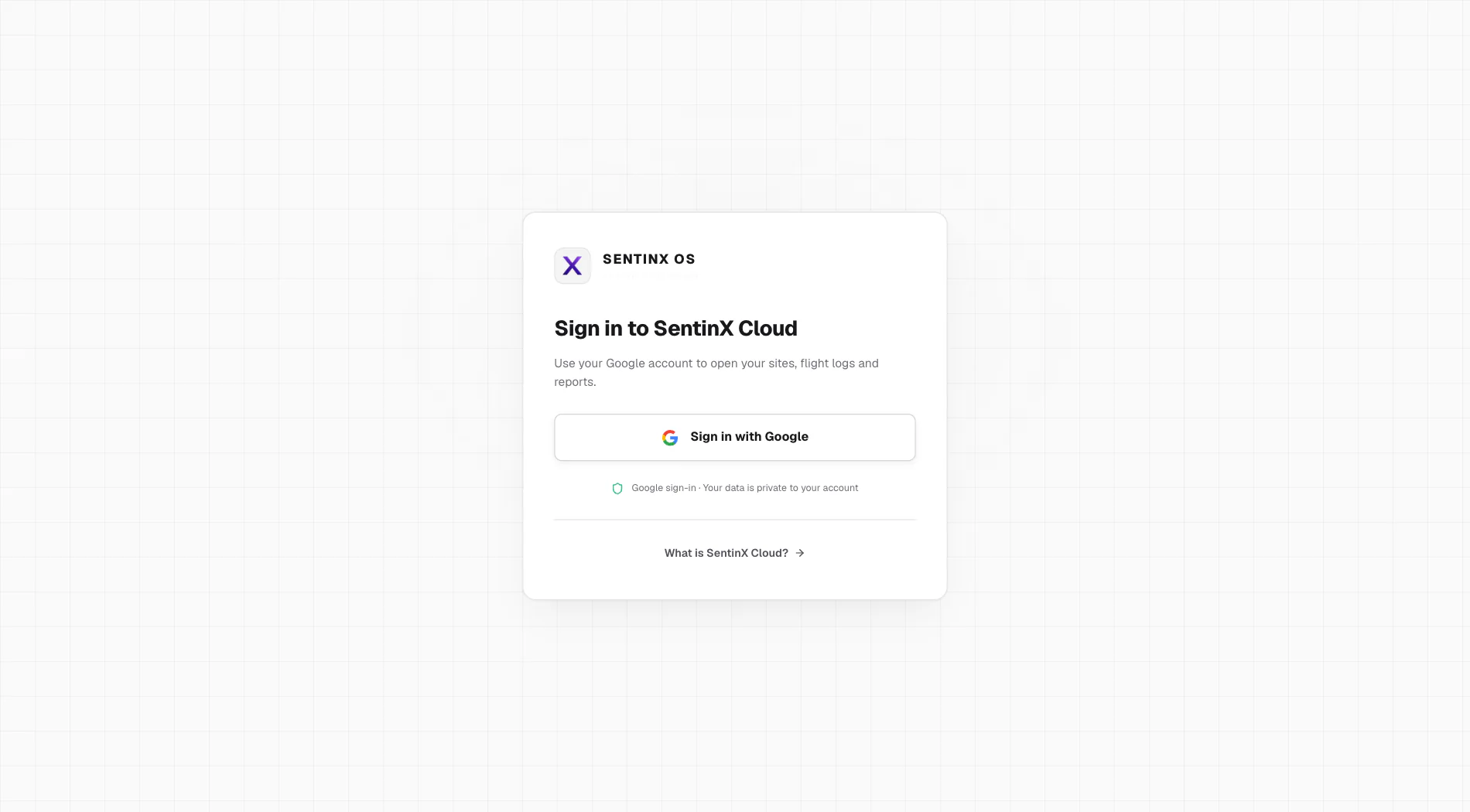
Step-by-Step Login Workflow#
SentinX Cloud secures enterprise flight operations using Google OAuth 2.0:
1
Navigate to
/cloud-dashboard or /cloud-dashboard/login.2
Click "Continue with Google".
3
Select your authorized enterprise Google Workspace account.
4
Upon OAuth authorization, the server creates an encrypted, HTTP-only session cookie named
sentinx_session.5
You are redirected immediately to your personal Cloud Dashboard.
Cryptographic Session Hardening#
Cookie Flags:
HttpOnly, Secure, SameSite=Lax.Signature: Every session cookie is digitally signed with an HMAC-SHA256 signature using the server secret key.
Constant-Time Validation: Token comparison is performed in constant time (
crypto.timingSafeEqual) to defeat timing attacks.No Client Exposure: Tokens cannot be read or modified by malicious client-side JavaScript or third-party extensions.
Google OAuth Configuration#
For local development or dedicated self-hosted instances, configure the following variables in .env.local:
env
GOOGLE_CLIENT_ID="your-google-client-id.apps.googleusercontent.com"
GOOGLE_CLIENT_SECRET="your-google-client-secret"
SESSION_SECRET="your-32-character-random-hex-string"
NEXT_PUBLIC_APP_URL="http://localhost:3000"