
Live fleet telemetry.
Every flight logged automatically.
Connect your DJI Enterprise controllers to SentinX through DJI Pilot 2. Watch your fleet in real time from anywhere, and get a complete flight log for every flight — without exporting a single file.
Runs inside DJI Pilot 2 on your controller — nothing to install.
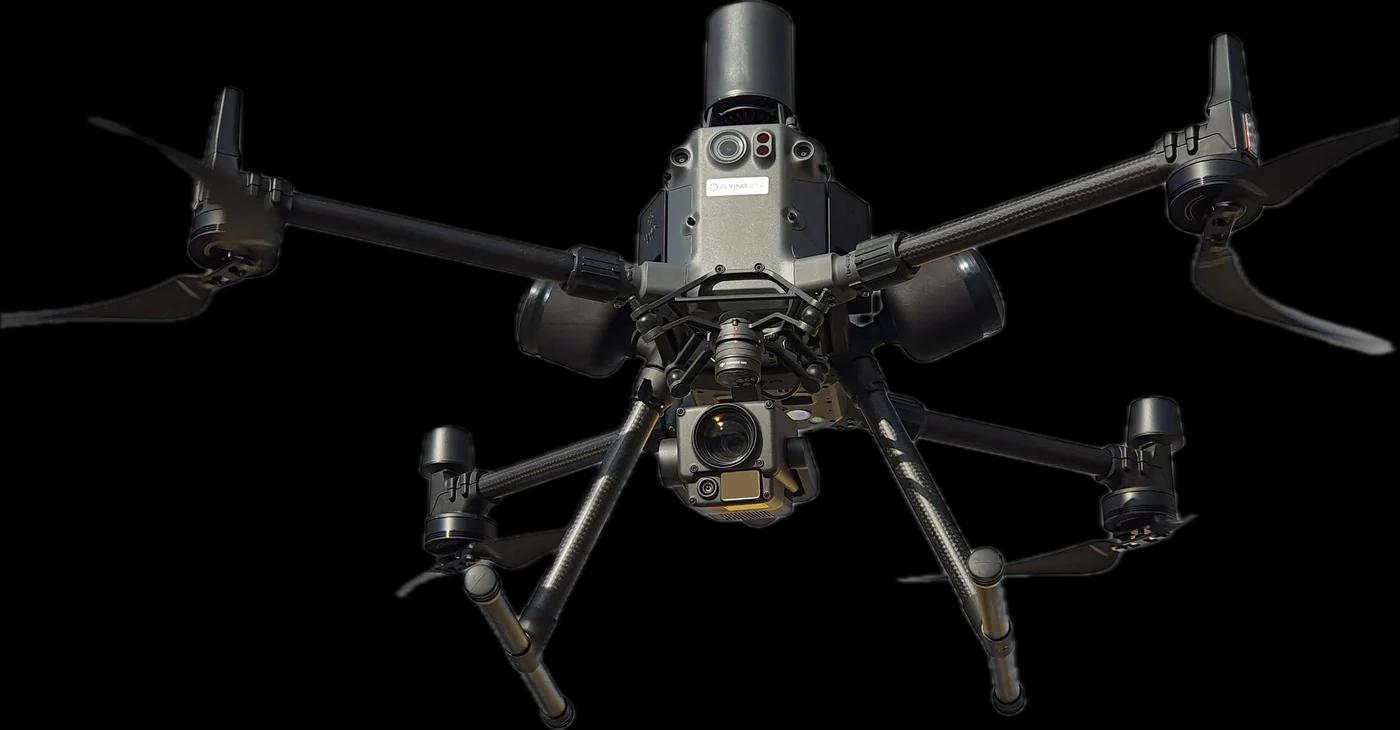
Live fleet telemetry
Position, altitude, speed, battery and signal for every aircraft, streamed from DJI Pilot 2 as it flies.
Live video
Watch the camera feed from the field in the browser — visual or thermal, from any location.
Automatic flight logs
Every flight is recorded and filed automatically. No exporting from the controller, no manual uploads.
Fleet overview and zones
See which aircraft are online and where, across all your sites — with safe areas and no-fly zones on the map.
How it connects
Up and running in four steps
SentinX connects through DJI Pilot 2, so there's no app to install and no change to how your pilots fly.
- Step 1
Open DJI Pilot 2
On the controller, go to Cloud Service → Open Platform.
On the RC - Step 2
Enter the address
Type
Once per RCapp.sentinxos.comand connect. - Step 3
Sign in
Pilots sign in with their SentinX account. The controller stays linked.
Per pilot - Step 4
Fly
Telemetry and video go live, and the flight log records itself.
Every flight
Product tour
See FleetLink in action
Recorded in the app: follow the fleet live, open an aircraft's camera, set up zones and find any recorded flight.
Fleet map. Every aircraft and site on one live map, with the zones around each site.
Automatic log recording
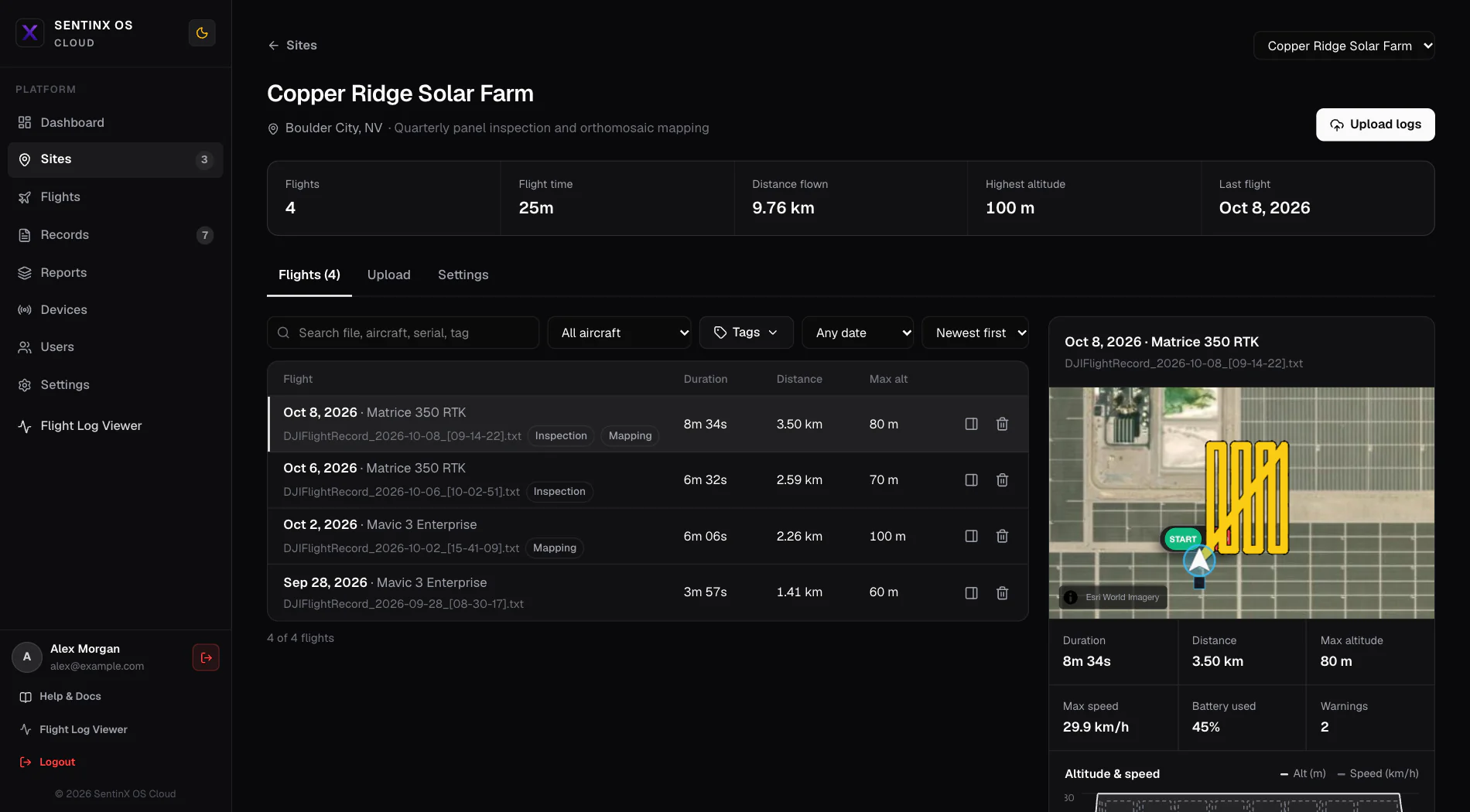
Flight logs land in SentinX Cloud on their own
When a flight ends, its log is filed under the right site with the aircraft, pilot and date. Open any flight to replay the route, check altitude, speed and battery, compare it with earlier flights, or export a PDF report.
- No manual exports from the controller
- Logs organised by site and aircraft
- Replay, compare and report on any flight
Supported aircraft
DJI Enterprise compatibility
Aircraft that work with FleetLink through DJI Pilot 2. Not sure about yours? Ask us.
| Aircraft | Cloud connection | Live telemetry | Live video | Media | Flight routes | Auto flight log |
|---|---|---|---|---|---|---|
| DJI Matrice 400 | ||||||
| DJI Matrice 350 RTK | ||||||
| DJI Matrice 30 Series | ||||||
| DJI Mavic 3 Enterprise | ||||||
| DJI Mavic 3 Thermal | ||||||
| DJI Mavic 3 Multispectral |
Enterprise access
Bring your whole fleet onto FleetLink
Tell us about your operation and we'll set up your organisation, connect your controllers and get your pilots flying with live telemetry and automatic logs.
Organisation setup
We create your organisation, sites and pilot accounts and link your controllers.
SSO and access control
Sign in with your identity provider; control who sees which sites.
Pilot onboarding
A short walkthrough for pilots on connecting DJI Pilot 2 and recording flights.
Priority support
A direct line to the team for setup and operational questions.
Already set up? Sign in at app.sentinxos.com